Developer: No FATEApp: Hidden Self
We respect our users’ right to privacy and provide a simple way to delete your account along with all associated personal data.
Open the Hidden Self app.
Go to the user menu (tap the menu icon in the top-right corner of the screen).
Select the “Delete Account” option.
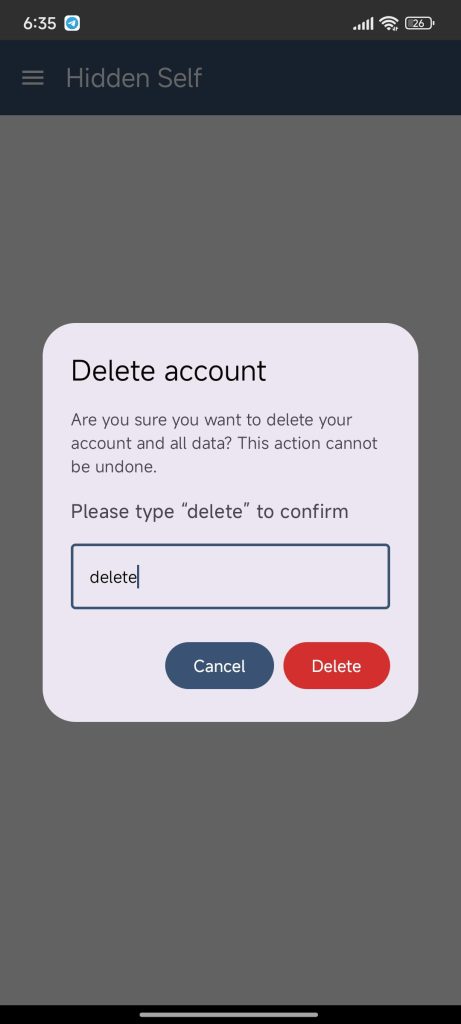
In the confirmation dialog, verify your intent:
Enter the word “delete” in the input field.
Tap the “Delete” button.
Once confirmed and successfully processed, your account will be deleted, and you will be automatically logged out.
All personal information associated with your account.
All data related to psychological tests and assessments you have completed.
Any other personalized data stored on our server.
Nothing. All user-related data is permanently deleted.
Data is deleted immediately after the account deletion is confirmed. We do not retain backups of personal data after an account is removed.